Secure Sync Guide

Syncing safely means protecting the account, the sharing path and the file itself
Syncing copies changes between a local folder and a cloud account. A file edited on one authorized device is uploaded, versioned and then delivered to other connected devices. Security can fail at several points: an exposed account, an overly broad sharing link, an unlocked local computer, or a file that remains readable to anyone with valid cloud access.
Sync and backup serve different jobs. Sync keeps working copies consistent across devices, so an unwanted change can propagate. Version history and recycle bins can help, but their retention and eligibility have limits. Keep at least one separate, encrypted backup that is not continuously writable from the synced account, and test restoring it. A 3-2-1 plan keeps three copies on two media with one copy off-site.
For ordinary documents, the provider’s native encryption, account controls and version history are usually a sensible baseline. For tax records, legal files, credentials, medical documents or confidential business data, add client-side encryption before upload and keep a tested recovery copy of the key.
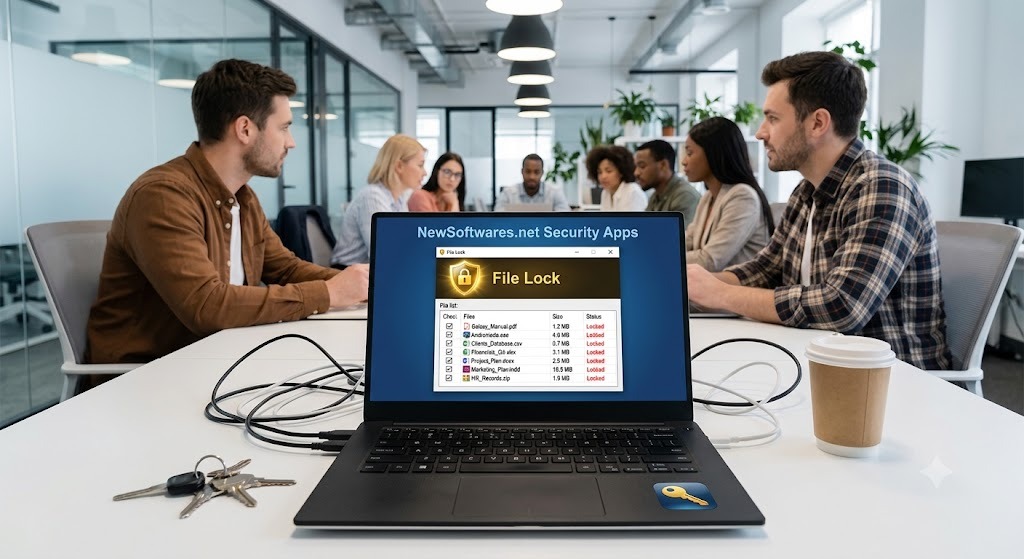
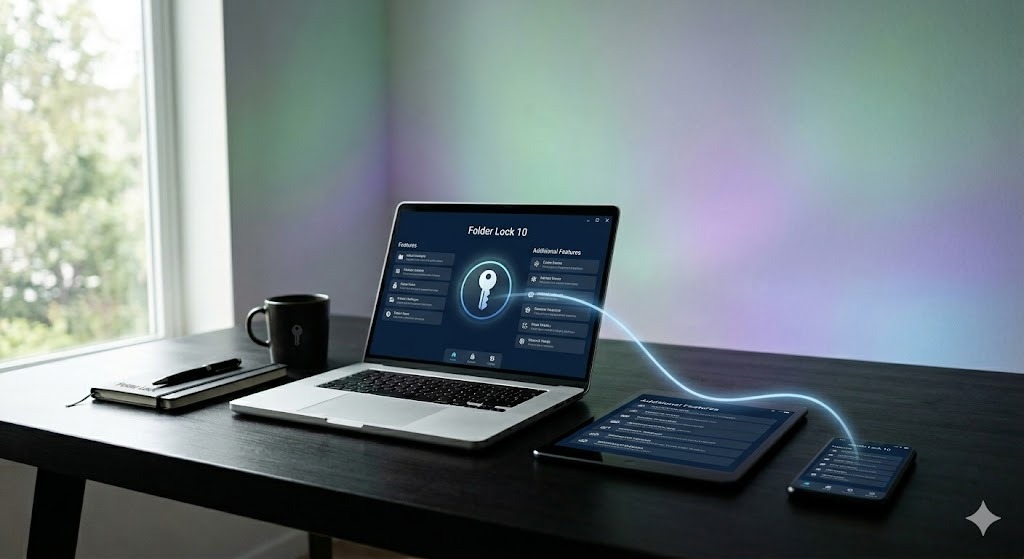
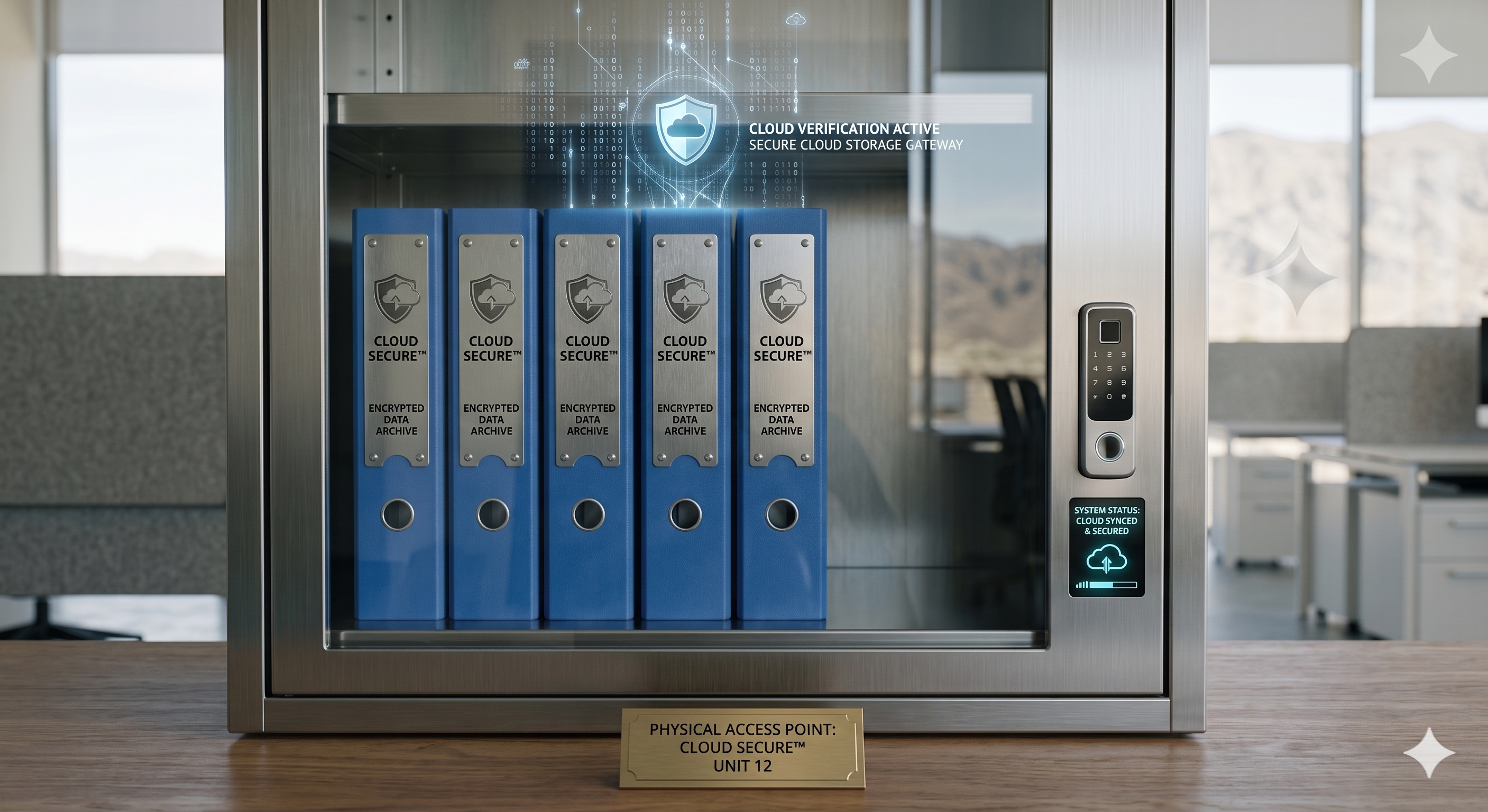
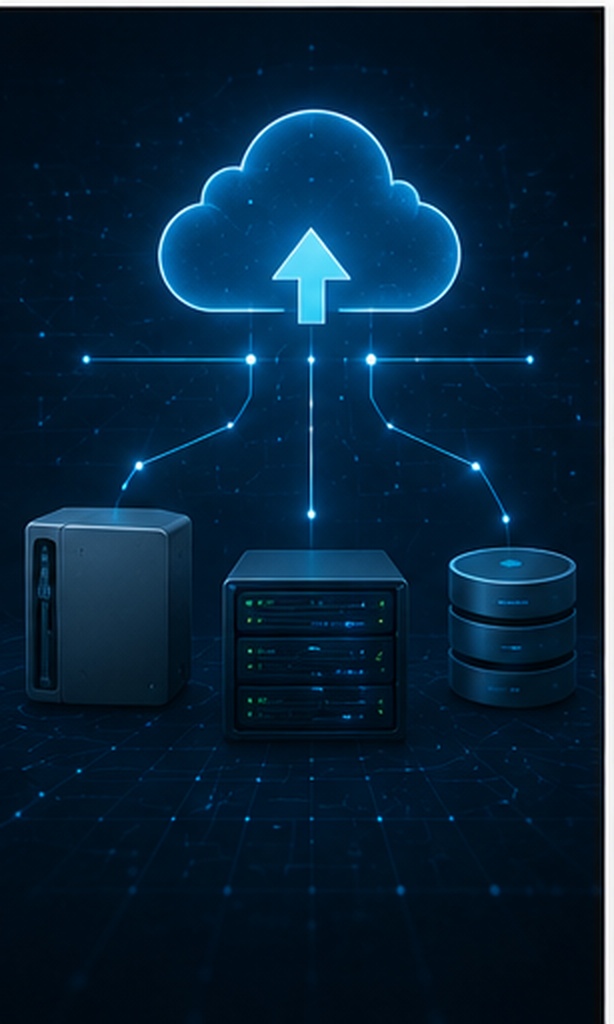
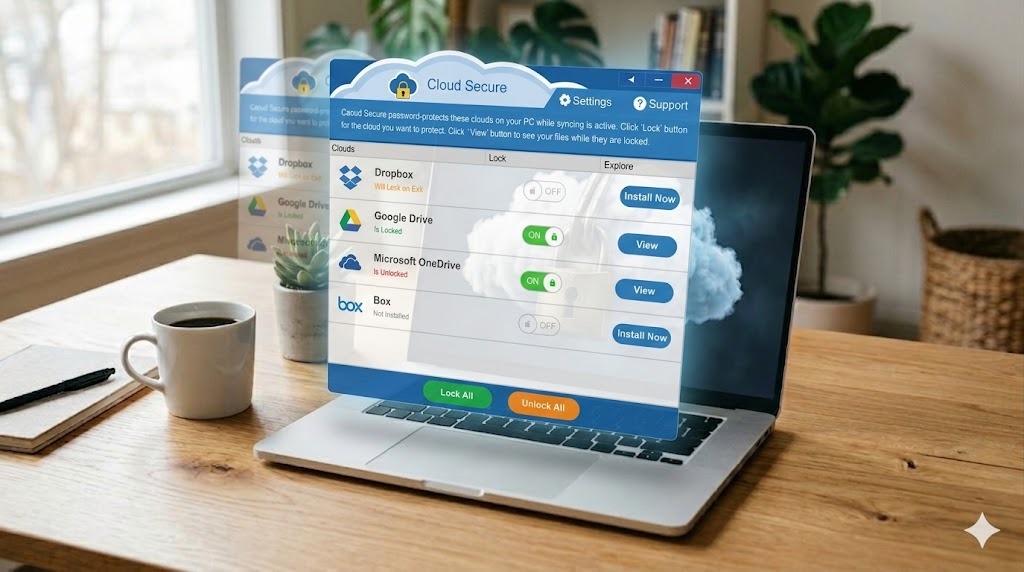
 Cloud folder controls